Your Guide to Integrating our Smart Payment Solutions Seamlessly
Our API is designed to provide you with the flexibility and functionality you need to enhance your users' payment experience.
Getting Started
To begin using the VacePay API, you'll need to follow these simple steps:
02 —
Generate API Key
Log in to your VacePay account and navigate to the Developer Dashboard to generate your API key.
03 —
Explore Endpoints
Review the API documentation to understand the available endpoints and their functionalities.
04 —
Authentication
Authenticate your requests using your API key. Details on authentication are available in the documentation.
API Endpoints
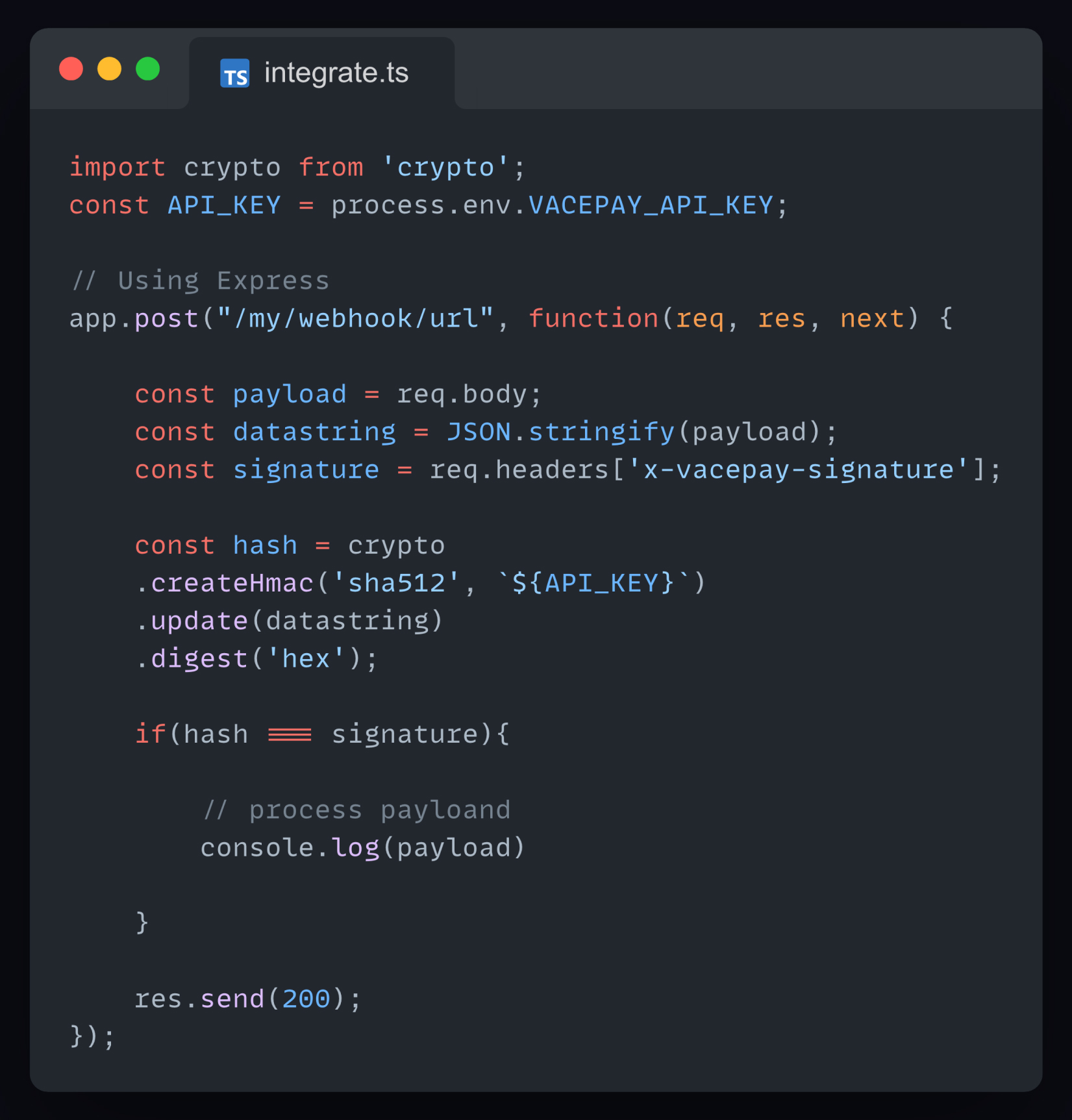
Developers love our thorough, well-documented APIs that let you to build complex financial products serving hundreds of thousands of customers. If you can imagine it, you can build it with Vacepay.
Stay Updated
Support and
Community
If you have any questions, encounter issues, or want to connect with other developers using VacePay API, visit our Community Forum at community.vacepay.com. Keep an eye on our Developer Blog for updates, tips, and announcements related to the VacePay API.
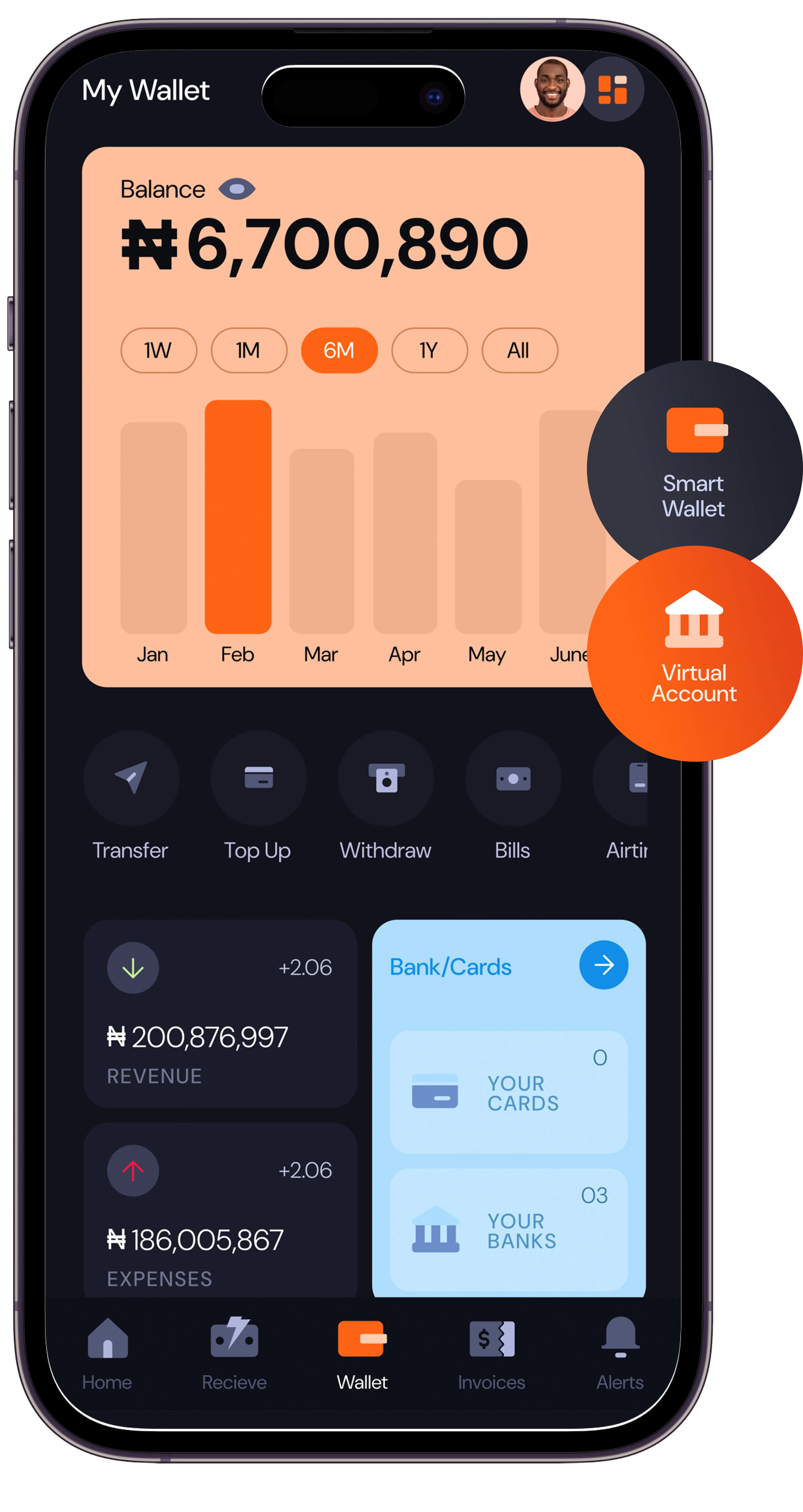
Get digital banking at your fingertips